Example
What a real program looks like
Here is exactly what happens between "I fill in my profile" and "I have my first workout". Three real screens, captured in the app, nothing staged.
These screenshots were taken in the French version of the app. The app is fully available in English.
Last updated:
01
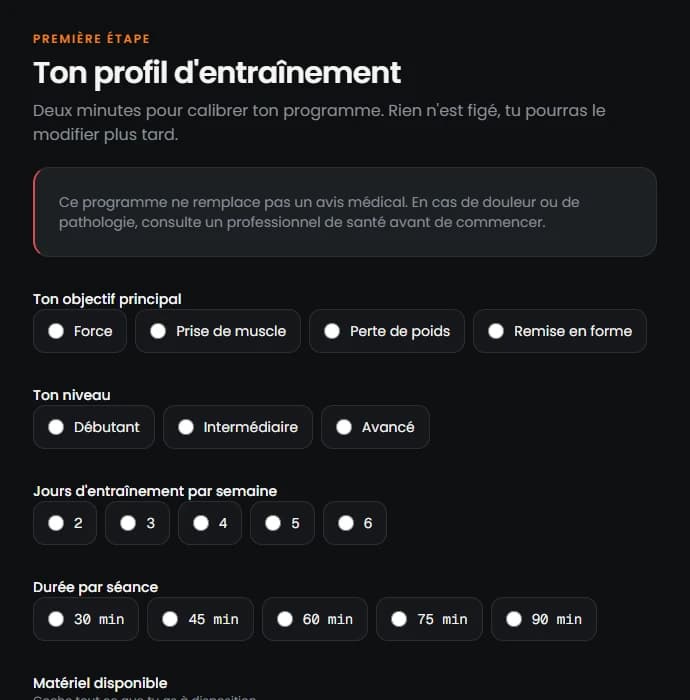
Set up your profile
Goal, level, available days, session length, equipment and joint limits. Two minutes is enough, and nothing is locked in: you can change everything later.
02
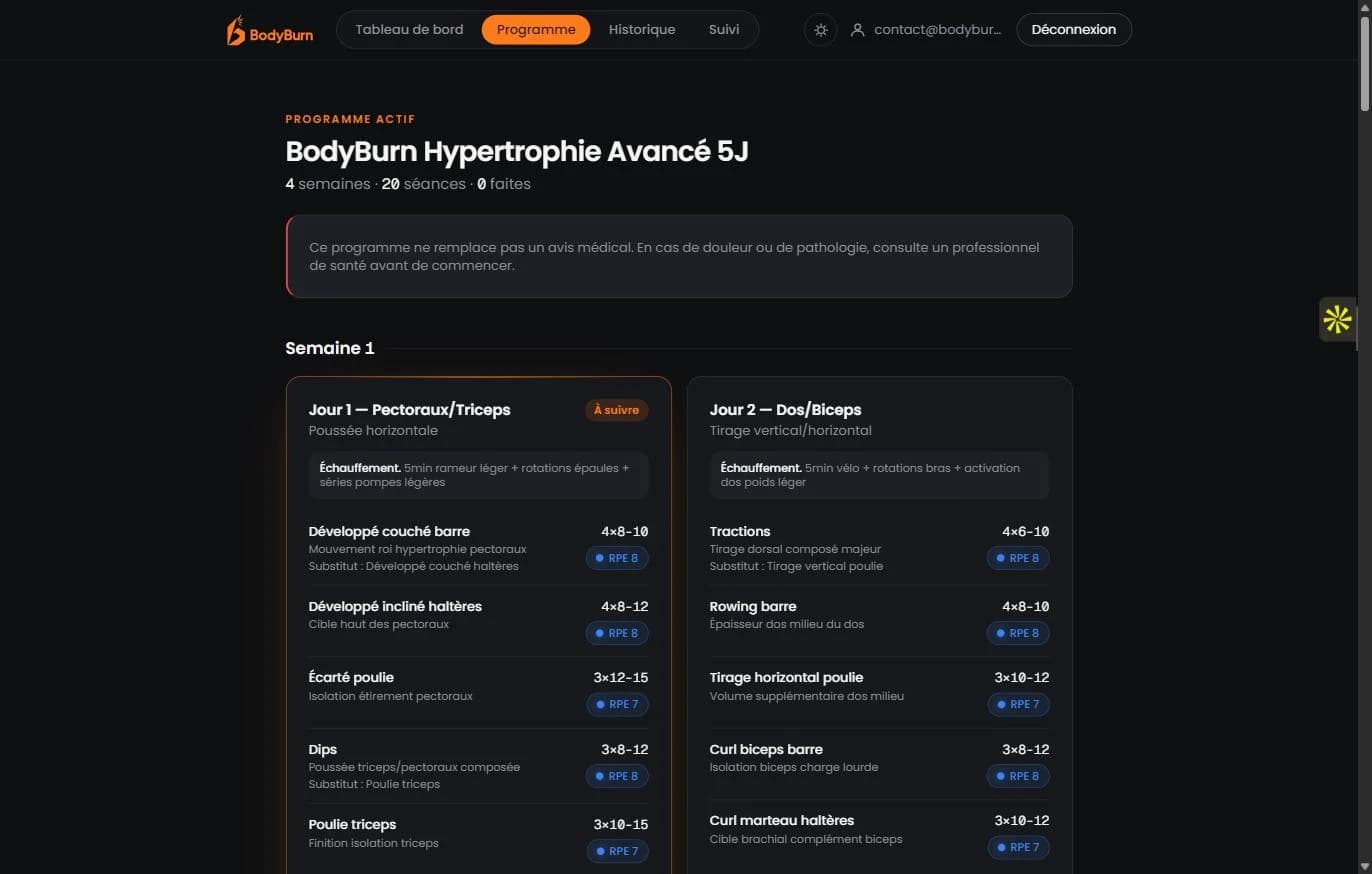
Your program, generated
Four weeks, workouts spread across your available days, and one exercise picked for each muscle group with its target load and RPE. This is a real program generated by BodyBurn on a demo account, not a mockup.
03
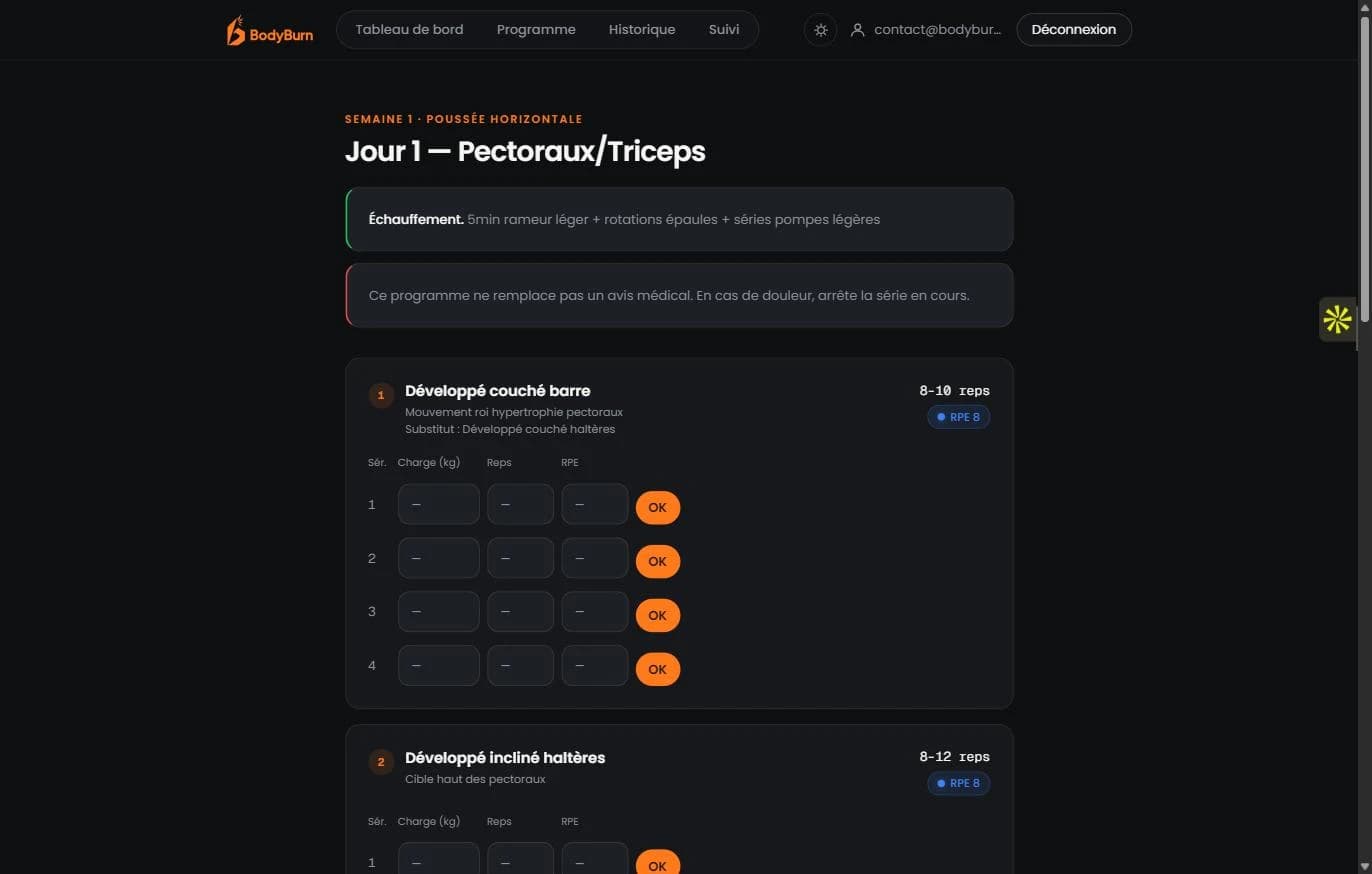
Workout mode, during training
Load, reps, RPE: you log them during the workout, set by set, instead of trying to remember everything once you're home. RPE is colour-coded so you can read it at a glance.